Ptyxis has quickly become the terminal emulator of choice for many Linux users, especially those on Fedora and soon Ubuntu. Built with GTK4 and libadwaita, it integrates seamlessly with GNOME while offering modern capabilities for developers. After months of daily use, here are seven features that truly set Ptyxis apart.
1. Seamless Container Integration
Ptyxis was designed with modern development workflows in mind. Its standout feature is native support for container tools like Podman, Distrobox, and Toolbox. You can spin up isolated environments directly from the terminal without extra configuration. This makes it a breeze to test software across distributions or manage development dependencies.
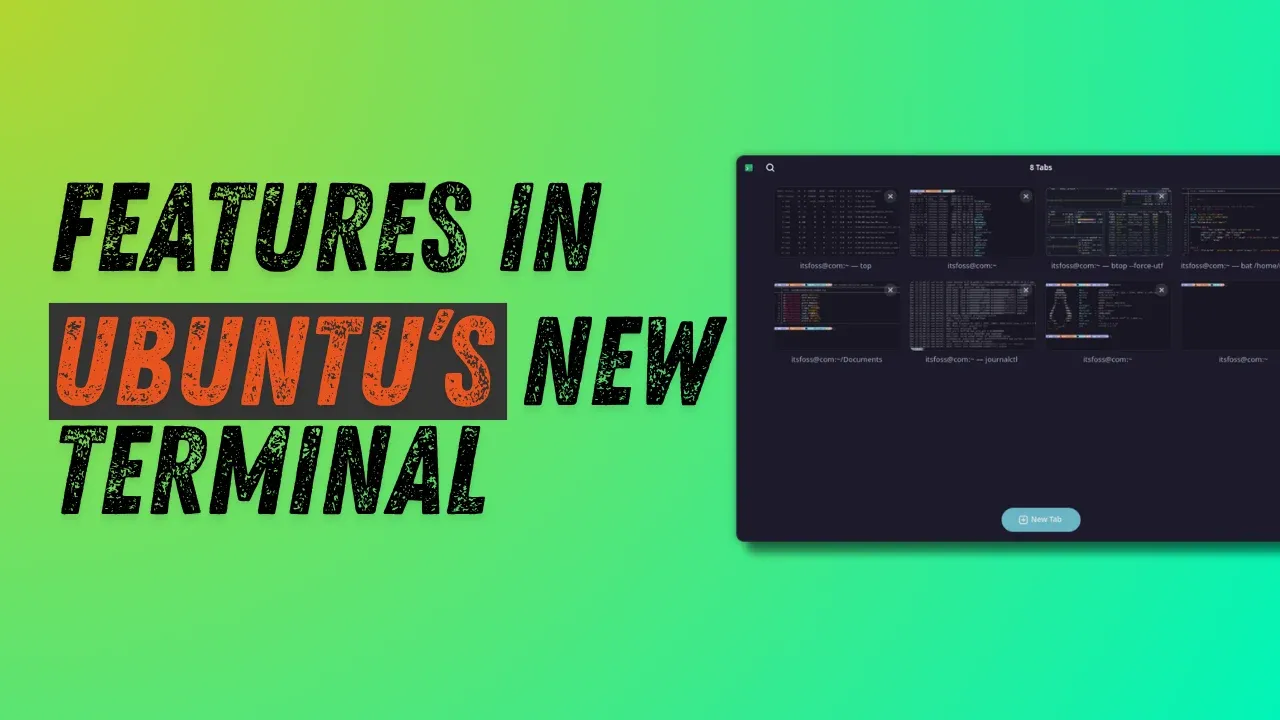
2. Innovative Tab Overview
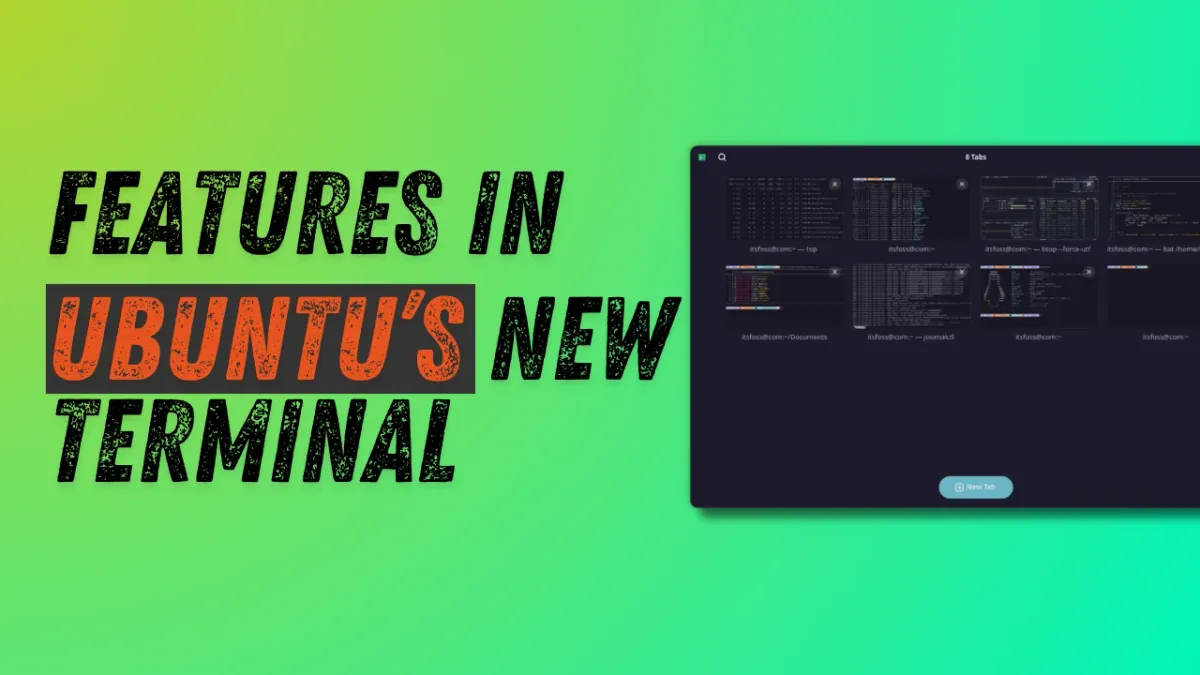
Instead of a cluttered tab bar, Ptyxis introduces a visual tab overview reminiscent of GNOME's Activities. Click the Show open tabs button in the title bar to see thumbnail previews of each session. This gives you a quick glimpse of what's running before switching.
The overview is fully interactive: you can drag and drop tabs to reorder them, pin important tabs so they stay at the top, and even rename tabs for clarity. Right-click any tab and choose "Set title" to prepend a custom name or create a completely unique label.
Search Through Open Tabs
Once you've named your tabs, use the search icon in the title bar to find any session instantly. This is invaluable when juggling a dozen terminals during complex projects.
3. Rich Color Scheme Options
Personalization is a core strength of Ptyxis. Open Preferences (via the three-dots menu) and go to the Appearance tab. Click "Show all palettes" to browse a gallery of over a dozen built-in color schemes. Each shows a live preview, and your selection applies immediately—no need to restart.
You can also import custom schemes or tweak individual colors, making Ptyxis adaptable to any visual preference or accessibility need.
4. Native GNOME Experience
Ptyxis feels like a natural part of the GNOME desktop. It respects system themes, uses libadwaita for consistent styling, and adheres to GNOME's Human Interface Guidelines. Buttons, dialogs, and even the tab overview match the look of other core apps.
This integration extends to keyboard shortcuts and window management. You can snap tabs, use Ctrl+Shift+T for new tabs, and expect smooth behavior in both light and dark modes.
5. Modern Tech Stack for Performance
Under the hood, Ptyxis leverages GTK4 and hardware acceleration for smooth rendering. It supports Wayland natively, offering better performance on modern displays. Benchmark tests show faster startup times and lower memory usage compared to older terminals like GNOME Terminal.
It also supports true color and ligatures for fonts, making it a treat for developer who spend hours in the terminal.
6. Becoming the Default Across Distros
Fedora Workstation recently switched to Ptyxis as its default terminal. Ubuntu will follow suit starting with the 25.04 release. This rapid adoption is a testament to its reliability and modern design. For newcomers, using the default terminal reduces friction—no need to hunt for alternatives.
7. Optimized for Container-Based Workflows
Beyond basic container support, Ptyxis shines in day-to-day use with tools like Distrobox. You can open a new tab directly inside a container, share environment variables seamlessly, and even run graphical apps from containers without extra setup. This makes it a favorite among DevOps engineers and anyone working with microservices.
Ptyxis isn't just another terminal—it's a forward-thinking tool that aligns with the future of Linux development. Whether you're a sysadmin, developer, or enthusiast, give it a try. You might find yourself switching too.