Overview
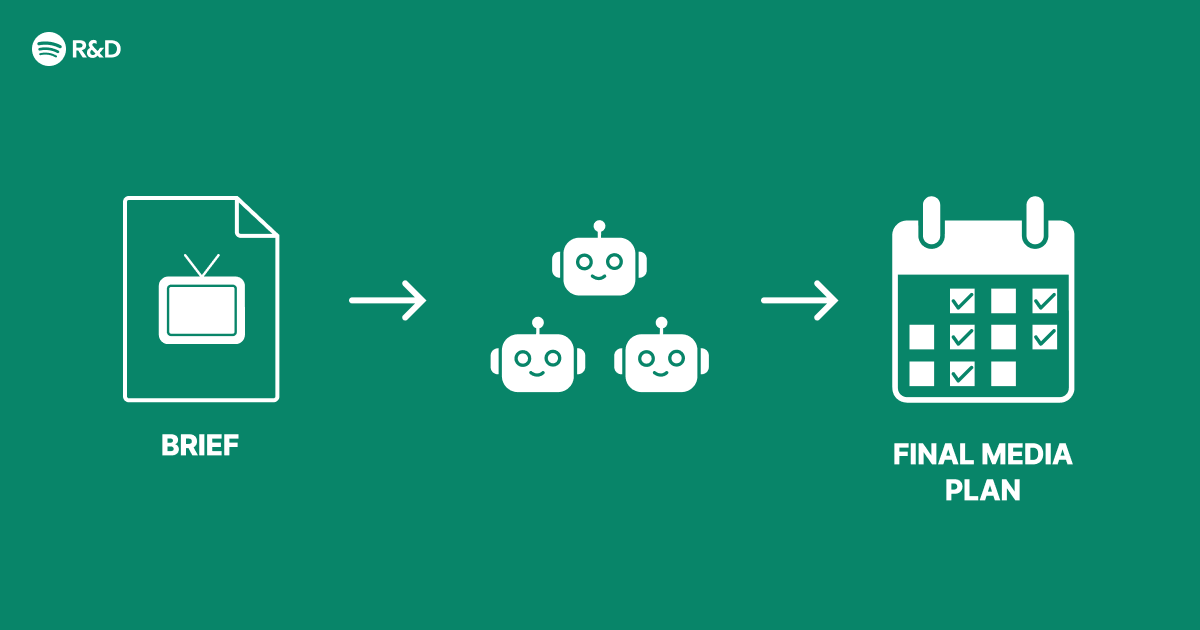
Modern digital advertising often grapples with conflicting goals: maximizing user engagement, respecting privacy, and delivering relevant ads. A single monolithic AI model can struggle to balance these priorities. Instead, a multi-agent architecture distributes specialized tasks among autonomous agents that cooperate to produce smarter, more adaptive advertising. This guide walks through designing such a system, inspired by industry approaches like Spotify’s engineering efforts.
Prerequisites
Before diving in, ensure you have:
- Basic knowledge of reinforcement learning and natural language processing.
- Familiarity with microservices (e.g., REST APIs, message queues).
- Access to a cloud environment (AWS, GCP, or Azure) for deployment.
- Tools: Python 3.8+, Docker, Kubernetes (optional but recommended).
- Data: Historical ad interaction logs and user metadata (anonymized).
Step-by-Step Instructions
1. Define Agent Roles
Identify the core tasks your advertising pipeline requires. Typical agents include:
- Context Agent: Analyzes user session data (time of day, device, location).
- Content Agent: Scrapes ad creatives and extracts topics, sentiment.
- Budget Agent: Manages bid pacing and constraints.
- Policy Agent: Enforces privacy and compliance rules.
Sketch a dependency diagram. For example, the Budget Agent may need output from the Content Agent to decide bid adjustments.
2. Design Agent Communication
Agents should share information without tight coupling. Use a message broker (e.g., Kafka, RabbitMQ). Define a shared schema for each message type. Example in Python using Kafka:
from kafka import KafkaProducer

producer = KafkaProducer(bootstrap_servers='localhost:9092')
msg = {
  'agent_id': 'context',
  'session_id': 'abc123',
  'features': {'hour': 14, 'device': 'mobile'}
}
producer.send('ad-context', json.dumps(msg).encode('utf-8'))
Each agent subscribes to relevant topics and publishes its results.
3. Implement Each Agent
We show the Policy Agent as an example. It receives context and content data, then returns whether an ad is allowed.
class PolicyAgent:
    def evaluate(self, context, content):
        # Example rule: No alcohol ads for minors
        if context['age'] < 21 and content['category'] == 'alcohol':
            return {'allowed': False, 'reason': 'age_restriction'}
        return {'allowed': True}
Each agent runs as a separate microservice, preferably in a container.
4. Orchestrate with a Coordinator
A lightweight coordinator service collects all agent outputs and makes the final decision. Use a workflow engine or simple state machine. Example using Celery:

from celery import Celery, group

app = Celery('ad_orchestrator', broker='redis://localhost:6379')

@app.task
def gather_results(session_id):
    context = context_agent.delay(session_id)
    content = content_agent.delay(session_id)
    budget = budget_agent.delay(session_id)
    policy = policy_agent.delay(session_id)
    # Wait for all
    results = group(context, content, budget, policy)()
    return combine(results)
5. Train with Reinforcement Learning
Treat the system as a multi-agent RL environment. Each agent learns its policy using feedback from ad performance (CTR, conversion). Use frameworks like RLlib or PyTorch DQN. Example training loop:
for episode in range(1000):
    state = env.reset()
    while True:
        actions = [agent.act(obs) for agent in agents]
        next_state, reward, done, _ = env.step(actions)
        for agent in agents:
            agent.remember(state, reward)
            agent.learn()
        state = next_state
        if done: break
6. Deploy and Monitor
Containerize each agent and deploy on Kubernetes. Use Helm charts for configuration. Monitor agent health and message latency with Prometheus and Grafana. Set up alerts for anomalies, e.g., an agent not responding.
Common Mistakes
- Overlapping responsibilities: Ensure each agent has a clear, non‑redundant role.
- Ignoring message ordering: Some agents need sequential data; use message keys or partitions.
- Neglecting failure handling: Implement retries and fallback actions (e.g., serve a default ad).
- Training agents independently: Joint training often yields better coordination; consider centralized training with decentralized execution (CTDE).
Summary
A multi-agent architecture for advertising decomposes complex decisions into specialized, autonomous agents. By defining clear roles, robust communication, and orchestration, you create a scalable system that adapts to changing contexts and policies. Common pitfalls include role overlap and lack of failure handling. With reinforcement learning, agents continuously improve, delivering smarter ad placement while respecting constraints.