Introduction
Every time you replace an empty printer cartridge, you face a shelf full of options with cryptic letters like XL, XXL, or HC. Most people grab the cheapest box, assuming all cartridges for their printer are basically the same. That assumption is costing you real money. Those letters are not marketing fluff — they tell you the cartridge's capacity, yield, and sometimes even its intended use case. By learning to read them, you can slash your printing costs by up to 50% without sacrificing quality.
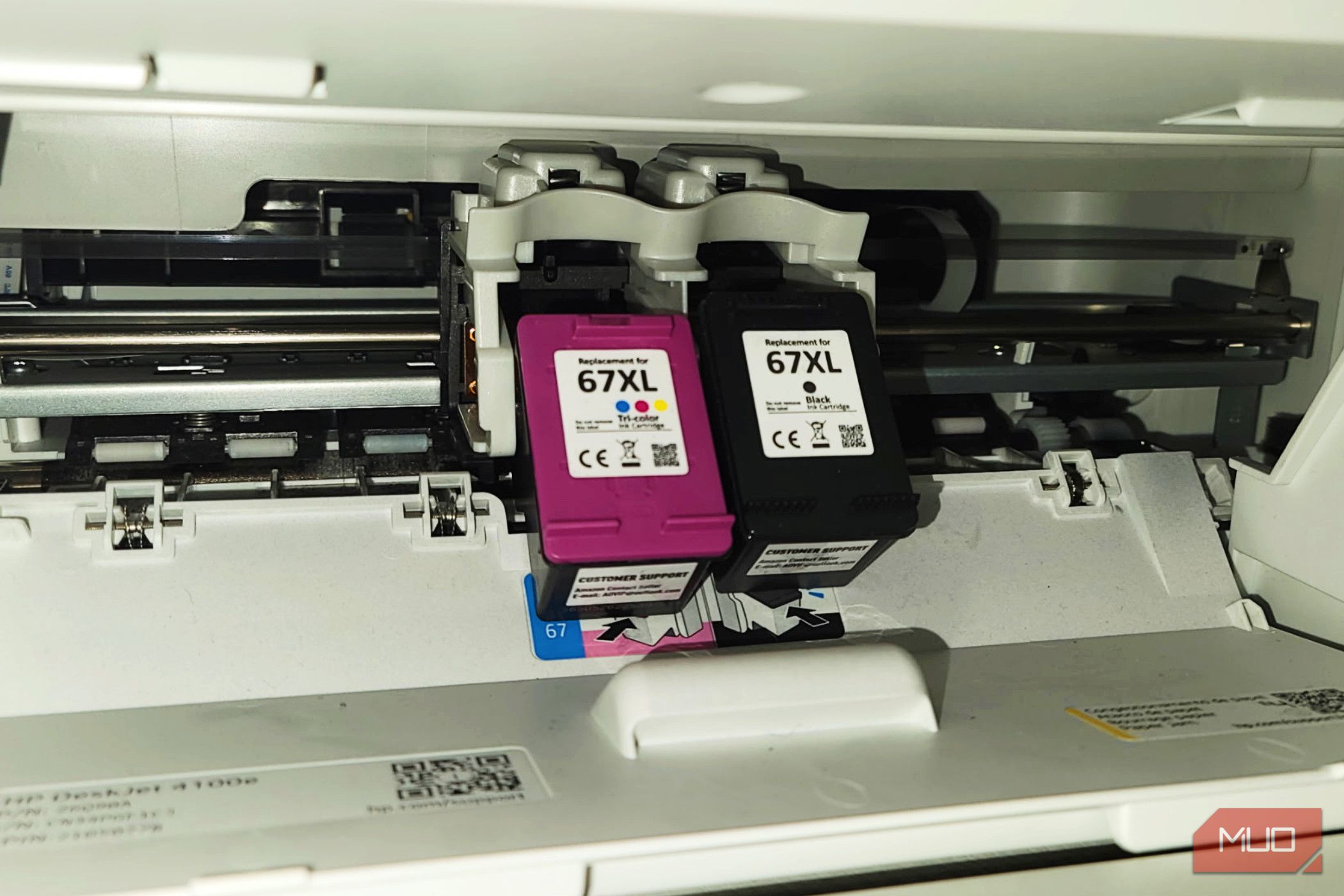
This step-by-step guide will show you exactly how to decode cartridge labels, compare options intelligently, and choose the best value for your printing habits. Whether you print occasionally or run a busy home office, these tips will keep more money in your pocket.
What You Need
- Your printer model number (found on the printer or in its settings menu)
- The exact cartridge numbers currently installed (e.g., HP 64, Canon PG-240)
- Access to an online store or office supply website (e.g., Amazon, Office Depot, Staples)
- A calculator or a cost-per-page tool (many websites offer one for free)
- Knowledge of your average monthly print volume (pages per month)
- (Optional) A willingness to try third-party or remanufactured cartridges
Step 1: Find Your Printer Model and Cartridge Numbers
Before you can decode anything, you need to know exactly what cartridge your machine uses. Locate your printer's model number — it's usually printed on a sticker on the back or bottom. Write it down. Next, look at the current cartridges inside the printer. They have a label with a combination of letters and numbers, such as HP 952XL or Epson T543120. That string is your cartridge model number. Don't rely on memory; different printer versions sometimes use different cartridges.
Step 2: Understand the Meaning of Common Suffix Letters
Once you have the base model number (e.g., HP 952), look at the letters after it. Here's what they typically mean:
- No suffix — Standard yield (lowest page count, lowest price per cartridge)
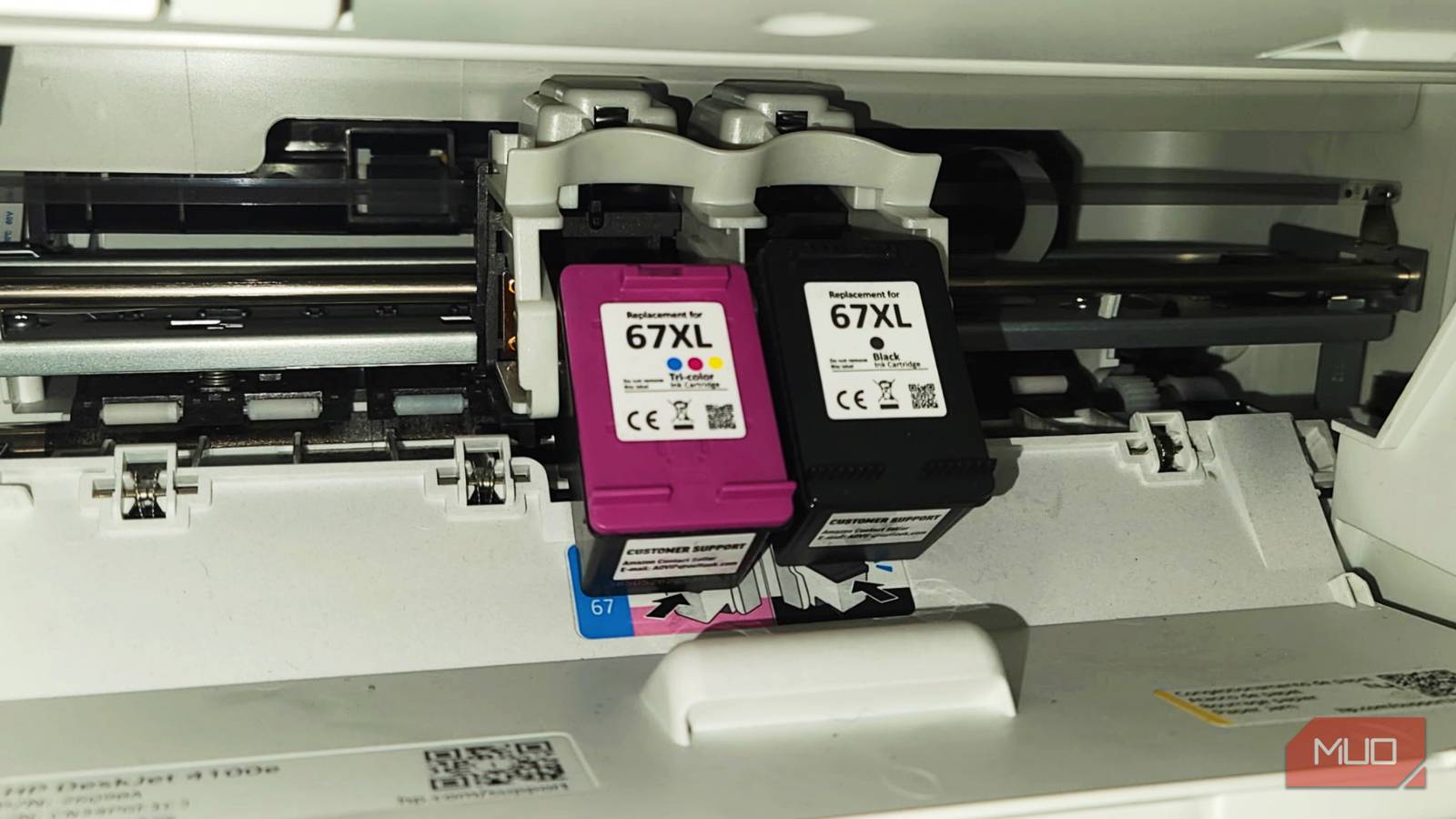
- XL — Extra large / high yield (more pages, higher price, but usually lower cost per page)
- XXL — Double extra large / super high yield (even more pages, best value for high-volume printing)
- HC — High capacity (synonym for XL, used by some brands like Canon)
- M — Sometimes indicates multipack (e.g., 3-pack) or a different color variant
- C/M/Y/K — Cyan, Magenta, Yellow, Black (color-specific)
For example, an HP 952 is standard black; an HP 952XL is high-yield black; an HP 952XXL is super high-yield. The numbers may also include a leading letter like 'P' for pigment-based black or 'C' for dye-based cyan.
Step 3: Match Cartridge Yield to Your Printing Volume
Now think about how often you print. If you print 20 pages per month, standard cartridges are fine — you might not use an XL before the ink dries or expires. But if you print 200 pages a month, an XXL cartridge can save you a lot in the long run. Check the official page yield (usually listed in fine print on the box or online). For instance, a standard cartridge might yield 200 pages, while the XL yields 600 and the XXL yields 1000. Calculate which gives you the lowest cost per page for your volume.
Step 4: Compare Cost per Page (CPP) — Not Just the Shelf Price
This is the most important step. Ignore the big price tag and focus on cost per page (CPP). Divide the cartridge price by its page yield. For example:
- Standard: $20 / 200 pages = $0.10 per page
- XL: $35 / 600 pages = $0.058 per page
- XXL: $55 / 1000 pages = $0.055 per page
The XXL is the best value per page, even though it costs more upfront. Many office supply stores list the CPP on their website; look for it. Remember that color cartridges often have lower yields and higher CPP than black, so prioritize high-yield color cartridges if you print graphics or photos.
Step 5: Consider Third-Party and Remanufactured Options
Legitimate remanufactured cartridges (refilled and tested by a third party) often sell for a fraction of OEM price. Their labels may use different letters (e.g., 'R' for remanufactured) but the same base model number. Risk: quality can vary. Look for brands with good reviews and a satisfaction guarantee. Some websites offer subscription services that automatically send new cartridges — these can also reduce per-page costs.
Step 6: Look for Bulk Deals and Subscriptions
Once you know your preferred cartridge type (e.g., HP 952XXL black and 952XL color), search for multipacks — often 2-packs or 3-packs that lower the per-unit price. Also check if your printer manufacturer offers an ink subscription plan. These plans charge a monthly fee for a certain number of pages and automatically ship ink when low. For moderate to heavy users, subscriptions can be cheaper than buying individual high-yield cartridges.
Tips for Maximum Savings
- Never buy standard yield unless you print very rarely — XL or XXL almost always gives a lower CPP.
- Don't stockpile — ink expires. Buy only what you'll use in 6-12 months.
- Recycle your empty cartridges — many stores give store credit for returns.
- Use draft mode for low-quality documents to extend cartridge life.
- Check firmware updates — some printers refuse third-party cartridges after updates; research before buying.
- Compare across brands — sometimes a different brand's cartridge (e.g., Brother vs. HP) has a better CPP for your printer.
By decoding those letters and calculating true cost, you stop overpaying for ink. Next time you see an XL label, you'll know it's not just bigger — it's cheaper per page.