Overview
The Legend of Zelda: Twilight Princess originally graced the GameCube and Wii, but thanks to a dedicated community project called Dusk, you can now experience this classic on your Android phone. Developed by the group Twilit Realm, Dusk is an unofficial port based on a decompilation of the original game, and it leverages the Aurora compatibility layer to run GameCube/Wii titles on modern platforms. The port is also available for macOS, Windows, Steam Deck, and iOS, but this guide focuses on the Android version.
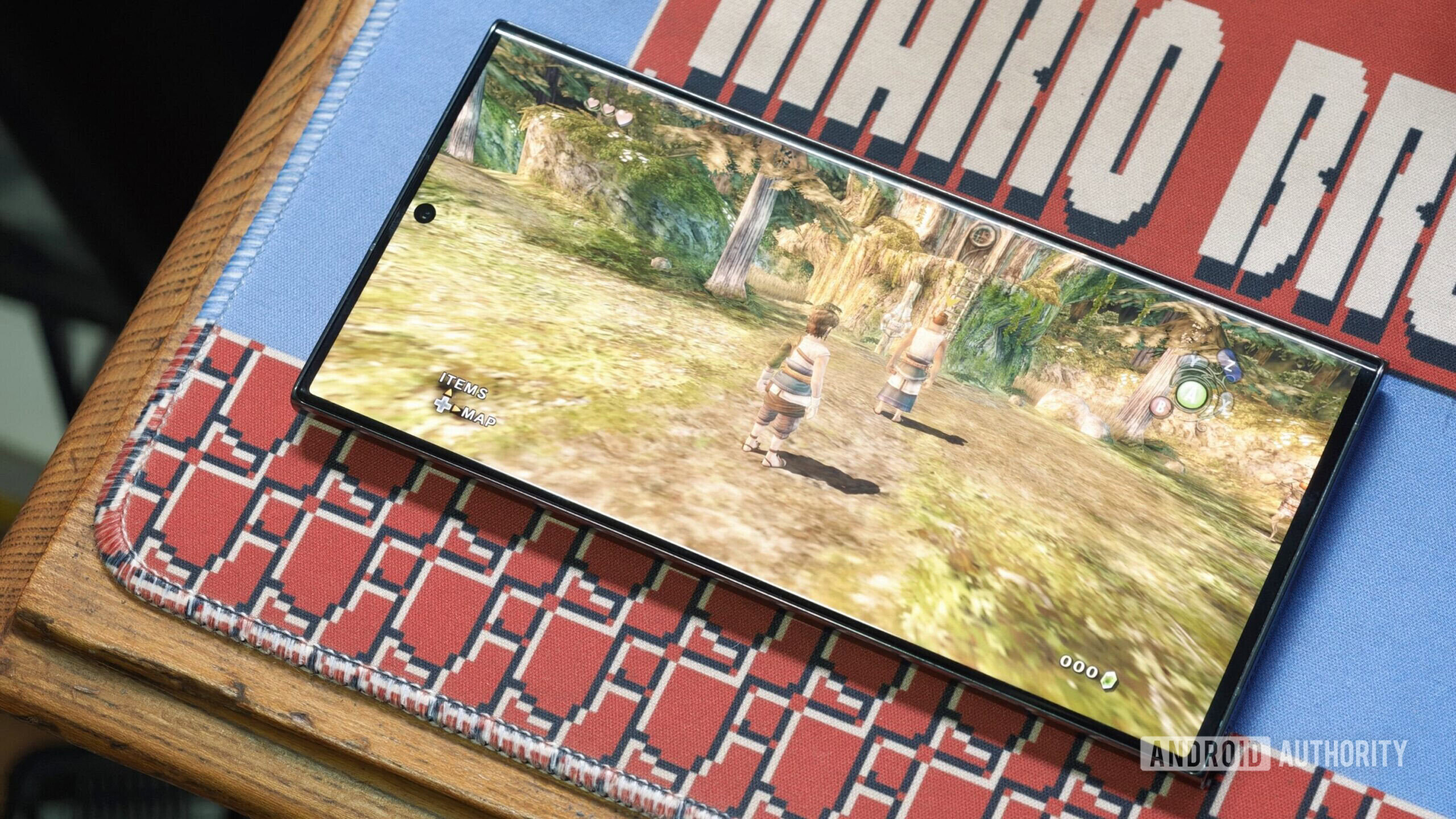
Dusk offers a wealth of graphical, audio, and gameplay options, allowing you to tweak the experience to your liking. However, be aware that the port requires the original game’s ISO file and may have glitches on certain Snapdragon devices. It runs on both Snapdragon and MediaTek hardware, but you should expect some instability on some Snapdragon chips.
Prerequisites
Before diving in, make sure you have the following:
- An Android device running Android 8.0 (Oreo) or newer. The port works on both phone and tablet.
- The Twilight Princess ISO file for either GameCube or Wii. You must legally obtain this from your own game disc or other authorized means.
- At least 2 GB of free storage (the ISO itself is about 1.4 GB, plus the app and cache).
- File manager app for moving files (most devices have one built-in).
- Internet connection only for the initial download of the Dusk APK.
Step-by-Step Installation Guide
1. Download the Dusk APK
Visit the official Dusk release page on GitHub (search for “Dusk Twilight Princess Android” or go directly to the Twilit Realm repository). Download the latest .apk file for Android. This is a standalone port, not an emulator, so no additional software is needed.
2. Enable Installation from Unknown Sources
Since Dusk is not on the Google Play Store, you’ll need to allow installation from unknown sources. On Android 8+:
- Open Settings → Security & privacy (or Biometrics and security).
- Find Install unknown apps and select your file manager or browser app.
- Toggle Allow from this source to ON.
You can turn this off after installation for security.
3. Install the Dusk APK
Locate the downloaded Dusk-xxxx.apk file using your file manager. Tap on it and confirm the installation. The process takes less than a minute.
4. Transfer the ISO File
Copy your Twilight Princess ISO file (GameCube or Wii version) to your device. Connect your Android to a computer via USB or use a wireless transfer method. Place the ISO in a folder you can easily find, such as /Storage/Emulated/0/Games/ or /Dusk/ (create the folder if needed). The Dusk app will look for the ISO in a default directory, but you can also browse for it later.
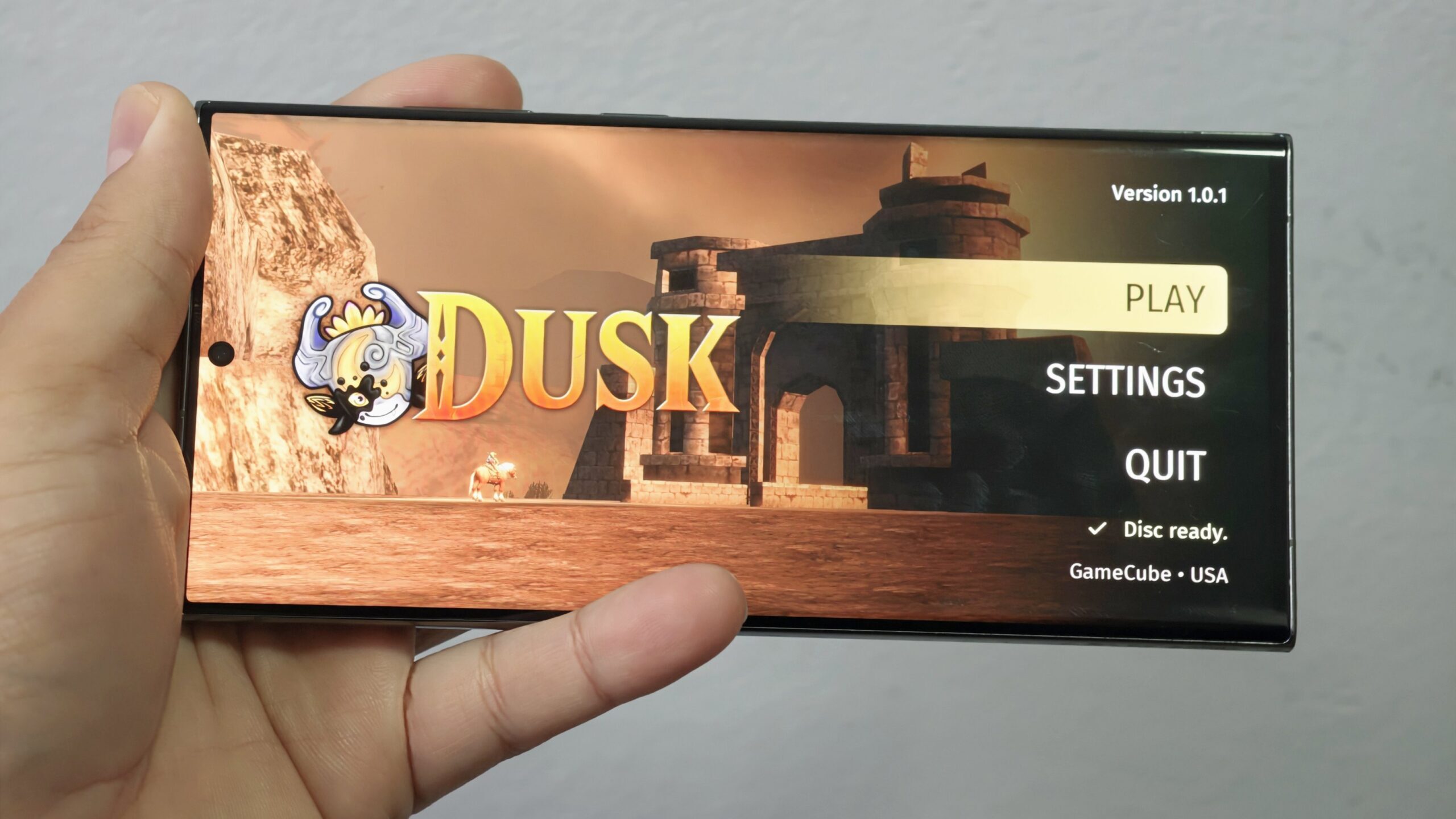
5. Launch Dusk and Configure Settings
Open the Dusk app from your app drawer. On first launch, it will ask you to select the ISO file. Navigate to where you stored the ISO and select it. The game should start loading.
You can now tweak settings by tapping the menu icon (a gear or three dots). Key options include:
- Graphics: Adjust resolution, enable widescreen, toggle anti-aliasing.
- Audio: Change volume, enable surround sound, or switch to mono.
- Controls: Customize on-screen touch buttons, activate gyroscope aiming, or connect a Bluetooth controller.
- Performance: Set frame rate limit (30 or 60 FPS), enable V-Sync, and manage caching.
Note that the Aurora compatibility layer handles the translation of GameCube/Wii instructions to Android’s architecture, so you may need to experiment with performance settings if you encounter stutter.
6. Troubleshooting (if needed)
If the game doesn’t start or crashes:
- Check that your ISO is not corrupted. Try a different region version.
- Ensure you have enough free RAM (close other apps).
- On some Snapdragon devices (e.g., Snapdragon 855+), graphical glitches are common. Lowering the resolution or disabling some advanced effects may help.
- For MediaTek devices, the port generally runs smoother, but still test with default settings first.
Common Mistakes and How to Avoid Them
Using the Wrong ISO Region
Dusk works with both GameCube and Wii ISOs, but ensure the file is the US or European version. Some Japanese versions may cause text issues. If you see garbled text, try a different region.
Forgetting to Enable Unknown Sources
This is the top reason the APK won’t install. Re-check the setting if the install button is greyed out.
Insufficient Storage
The ISO is large, and Dusk also creates a cache on first run. If your storage is almost full, the game may fail to start or stutter constantly. Free up space beforehand.
Ignoring Controller Compatibility
While touch controls are included, the game is much more enjoyable with a physical controller. Use a Bluetooth controller like the Xbox or PlayStation pad for a console-like experience. Touch controls can be finicky, especially during combat.
Expecting Perfect Performance on Snapdragon
As noted in the original announcement, Snapdragon devices may exhibit glitches, especially on 800-series chips before the 8 Gen 2. If you encounter graphical bugs, try lowering the internal resolution or switching to software rendering in advanced settings (if available).
Summary
The Dusk port brings The Legend of Zelda: Twilight Princess to Android in a playable form, offering extensive customization. You’ll need the original ISO and a willingness to tweak settings for the best performance. While not flawless, especially on some Snapdragon hardware, it’s a remarkable achievement that gives handheld fans a new way to explore Hyrule. With careful setup, you can enjoy this classic adventure on your phone or tablet.